Artificial Intelligence & Technology
The Operating System After Apps: What Happens When Software Understands Your Goal?
A practical vision for software organized around goals, adaptive workspaces, and user-controlled AI agents.

For decades, operating systems have asked us to think in terms of applications. We open a browser to find information, a spreadsheet to analyze it, a document to explain it, and a messaging app to share it. Each tool has its own menus, buttons, files, and rules. We have learned to navigate this arrangement so well that it feels natural.
But the arrangement has an odd limitation: the computer knows which app is open, while the person knows what they are trying to accomplish. The work of connecting the two still belongs largely to us.
Large language models could change that relationship. Imagine starting with a goal instead of an app: “Compare the onboarding of these five products, collect screenshots, identify the points where users might drop off, and prepare a report I can edit.” The system would find the relevant pages, capture the evidence, organize it, analyze it, and create a workspace for reviewing the result. You would guide the process and approve the actions that matter.
That is my idea of an LLM-based operating system. Its central interface would be intent, while visual controls remain available whenever they help us see, decide, or correct something.
From app navigation to task orchestration
Today, even a simple project crosses many boundaries. Research lives in browser tabs. Screenshots end up in folders. Notes go into a document. Numbers move to a spreadsheet. Tasks are copied into another product. The operating system helps each app run, but it rarely understands the project that connects them.
An intelligent OS would treat that project as the unit of work. It would understand the request, discover which capabilities are available, propose a sequence of actions, and keep the sources and results together. If one step fails, it should show where it failed and let you resume or change course.
This does not require every app to disappear. Apps still own specialized capabilities: editing images, managing money, communicating with people, or storing business data. The OS becomes the coordinator that can call those capabilities without forcing users to learn every interface first.
The shift is similar to moving from “Which program do I open?” to “What do I want to happen?”
The screen should adapt to the work
A text box alone is a poor replacement for a desktop. Try comparing ten screenshots through chat messages, or approving a financial report without seeing the numbers. We need visual interfaces because many decisions are easier to make by looking, sorting, and manipulating.
The opportunity is to make the interface adaptive. For product research, the system might assemble a gallery of screenshots beside a comparison table and a source list. For trip planning, it might show a map, schedule, budget, and booking status. For software development, it might show a code diff, tests, and deployment controls.
Some elements can be generated for the task. Others should be dependable components supplied by the OS or by apps. The user should always be able to inspect the underlying data and change the result manually. An interface that appears at the right moment is useful; an interface that changes unpredictably is exhausting.
Four layers of an LLM-based OS
I think a practical system needs four layers working together:
- Intent and context. It understands the goal, relevant files, current screen, previous decisions, and the constraints you have given it. Its memory should be visible and editable so stale assumptions can be removed.
- Capability layer. Apps expose clearly described actions and data, such as “capture a page,” “create a draft,” or “query this dataset.” The OS can combine these actions into a workflow. Screen control can help with older software, but structured app actions will usually be more dependable.
- Adaptive workspace. The system presents the right combination of conversation, documents, tables, images, timelines, and controls for the task. Every result links back to its source.
- Trust and execution. Permissions define what the system may read and change. It previews sensitive actions, records what it did, handles errors, and supports undo where possible. Long-running tasks show progress instead of disappearing into a chat window.
This last layer is essential. If an agent can send a message, delete a file, or purchase something, the OS must make the boundary between suggestion and action unmistakable. A capable assistant without clear controls would be a frustrating operating system.
A concrete example: product research
Suppose I am studying a competitor’s signup flow. I open its website and tell my workspace: “Capture every step of the onboarding flow. Group the screenshots by page, summarize the questions they ask, and compare the experience with our product.”
The workspace captures each page as I navigate, keeps the images in order, and notes the page URL and time. When I am done, it creates a visual flow. I can remove irrelevant screens, annotate the places where I hesitated, and ask it to suggest improvements. Then I choose which findings to send into my product planning tool.
This is more useful than a chatbot that describes a website from memory. It works with evidence I can see and correct. It also shows why an intelligent OS needs both automation and a visual workspace.
Why this idea is becoming more plausible
The pieces are beginning to appear in existing platforms. Apple’s App Intents let developers expose app content and actions to system features and natural-language experiences. Android’s AppFunctions similarly gives agents structured ways to discover and perform app actions; Android has also described a path for dynamically generated interfaces. Microsoft is developing Windows features for agents and local AI. These are signals of direction, not proof that a complete LLM-based OS already exists.
The difficult work is connecting the pieces into a consistent experience. An agent needs the right context, stable access to tools, predictable permissions, and an interface that helps users check its work. It also needs to respect cost and latency: many everyday interactions should remain immediate, and some should work on-device or offline.
Where I would start
Building a new general-purpose operating system would be a huge first step. A better starting point is an intelligent workspace for one repeated, valuable workflow. Product research is one candidate: capture websites, organize visual evidence, compare competitors, and turn findings into decisions.
I would measure success with a simple question: can a person go from a goal to an accurate, editable result with fewer manual handoffs? If the answer is yes for one workflow, expand to adjacent tasks. Over time, the workspace can become the place where projects live, while existing apps supply their specialized functions underneath.
The future OS may still have windows, apps, and files. But its most important feature could be a new relationship with the user: it understands the work you are trying to do, brings the right tools together, and lets you see and control how the work gets done.
İlgili konular
İlgili Yazılar
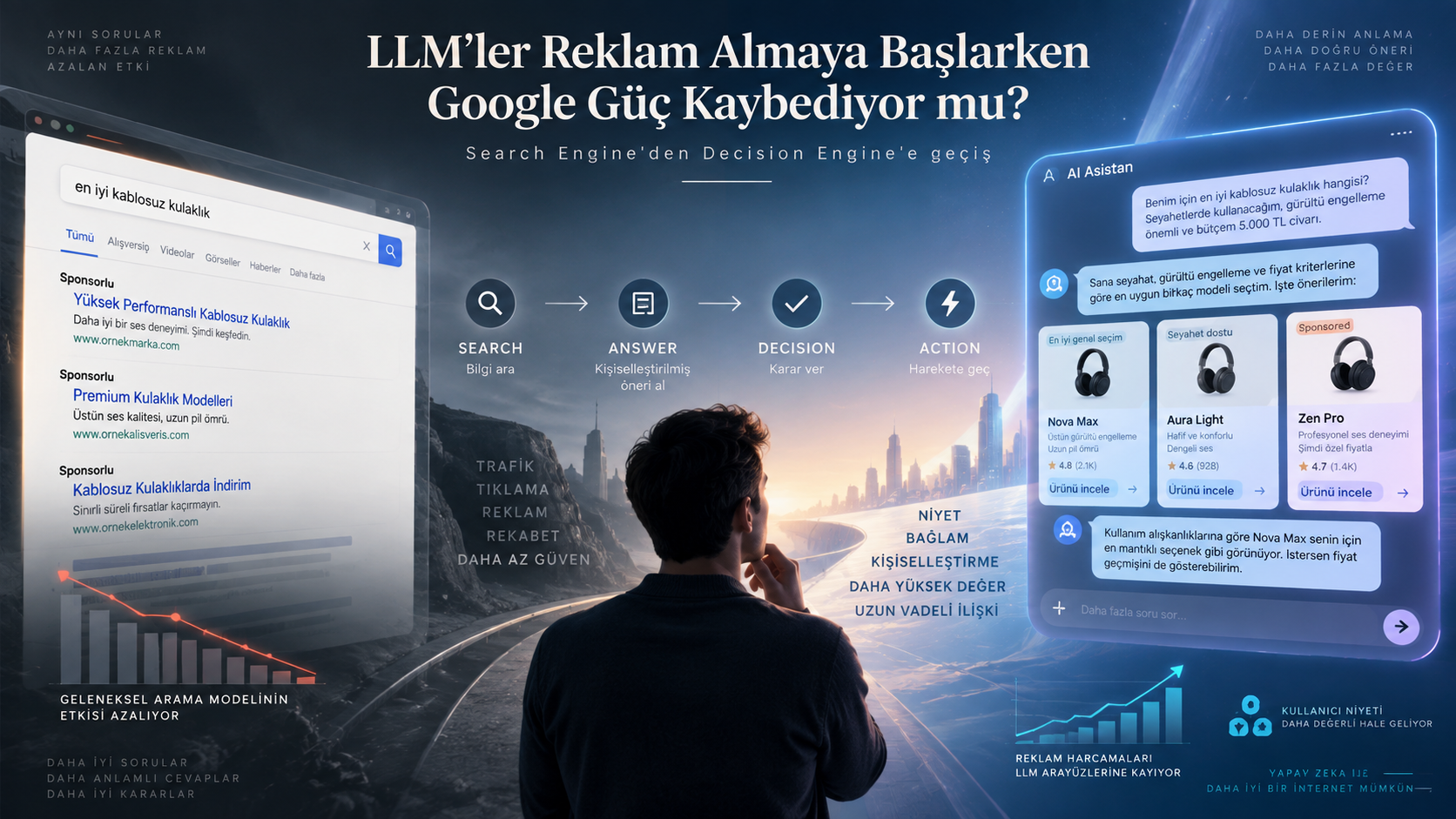
Google’ın Asıl Tehdidi ChatGPT’nin Arama Yapması Değil, Reklam Satmaya Başlaması
ChatGPT ve diğer LLM’ler sponsorlu içerik ve AI ajanları sunarken reklam mücadelesi arama motorlarından karar motorlarına kayabilir. Bu Google için ne anlama geliyor?
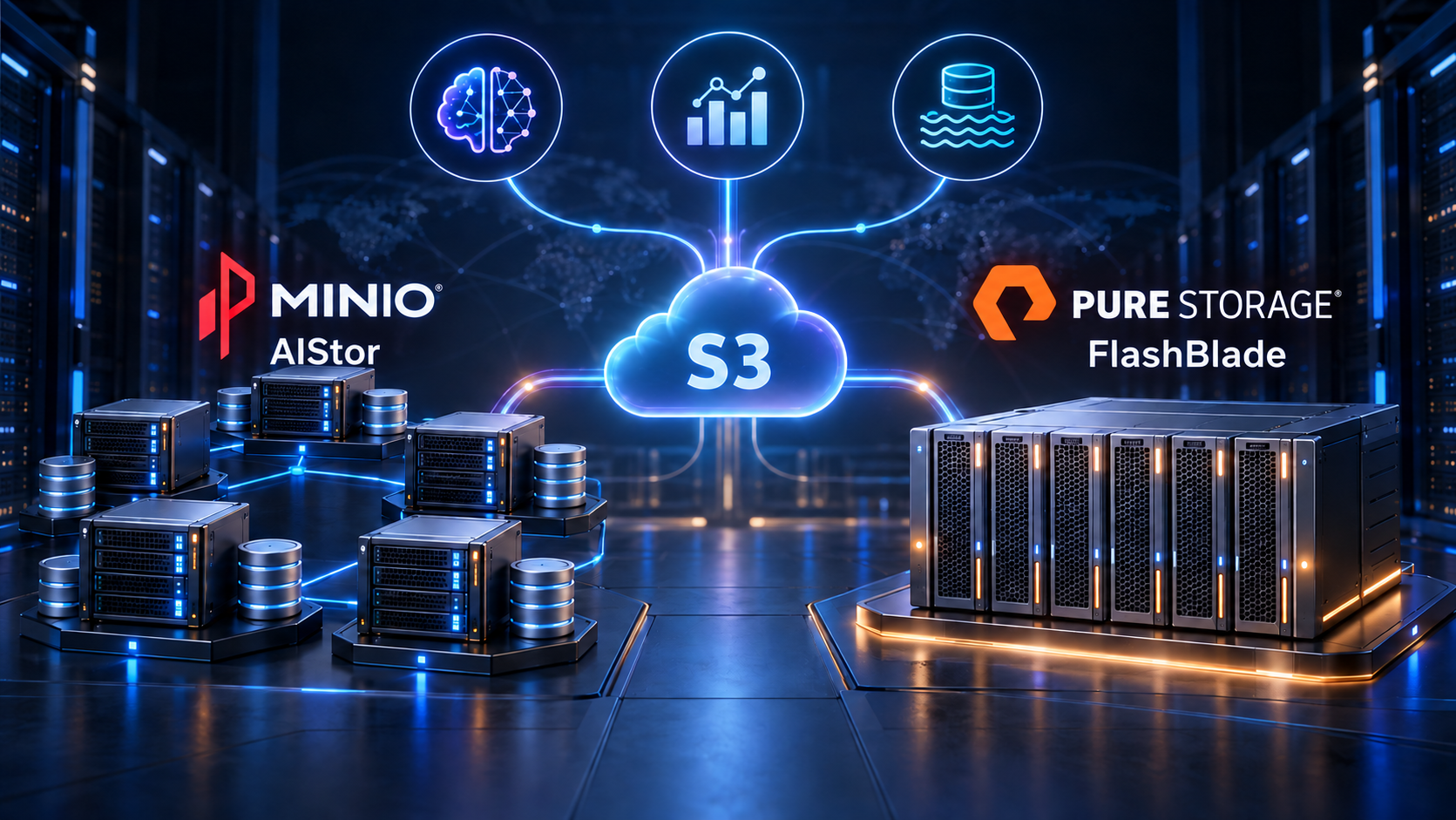
Kurumsal S3 Dünyasında MinIO AIStor ve FlashBlade
MinIO AIStor ve Pure Storage FlashBlade çözümlerini performans, ölçeklenebilirlik, operasyon, güvenlik ve maliyet açısından karşılaştırıyoruz.

Why Big Projects Are Hard in Enterprises—and Why Startups Move Faster
Why enterprise projects slow down, how startups gain speed through short feedback loops, and how large teams can adopt startup culture without ignoring risk.